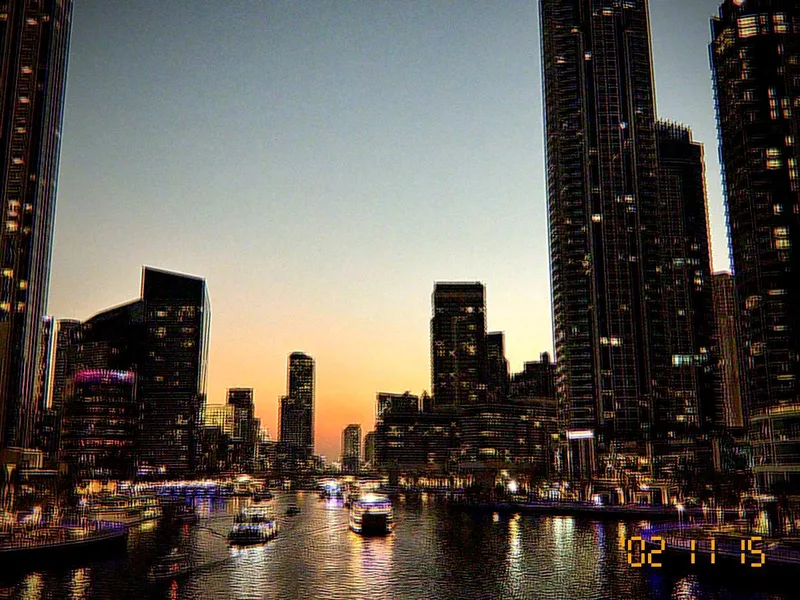
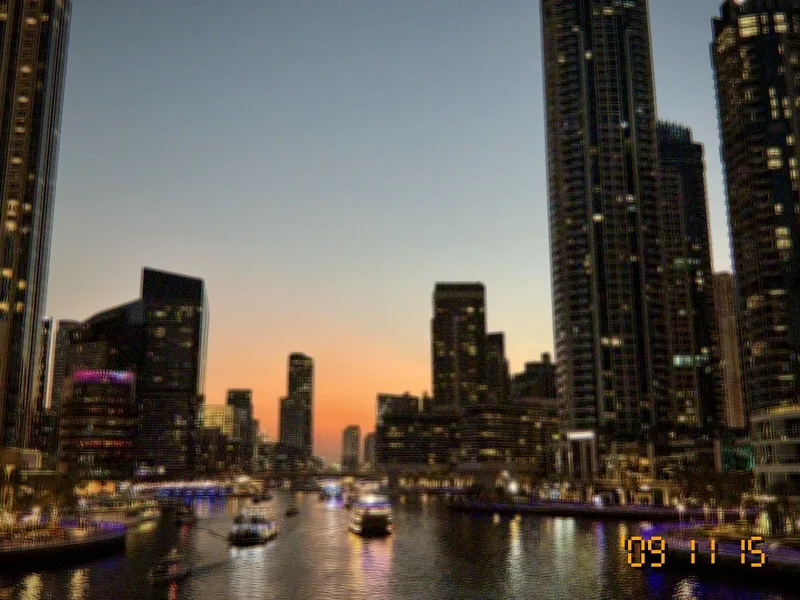
See it before you shoot
The look runs live in the viewfinder as you move, so the photo you take is the photo you saw. 11 looks, any look on any camera.
Camera app for iPhone & Android · Photo & Video
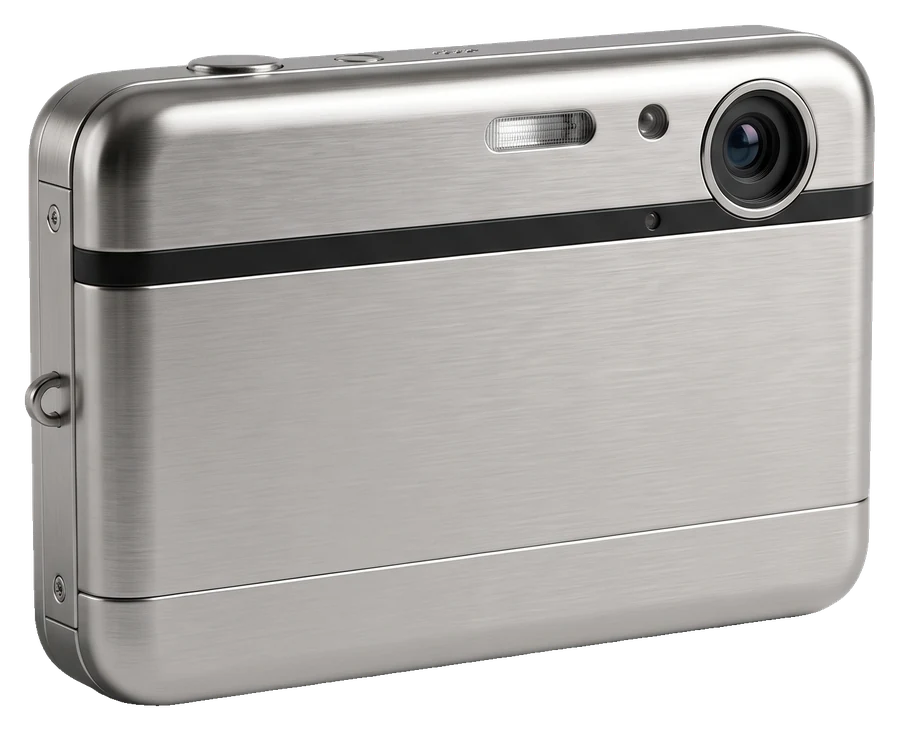
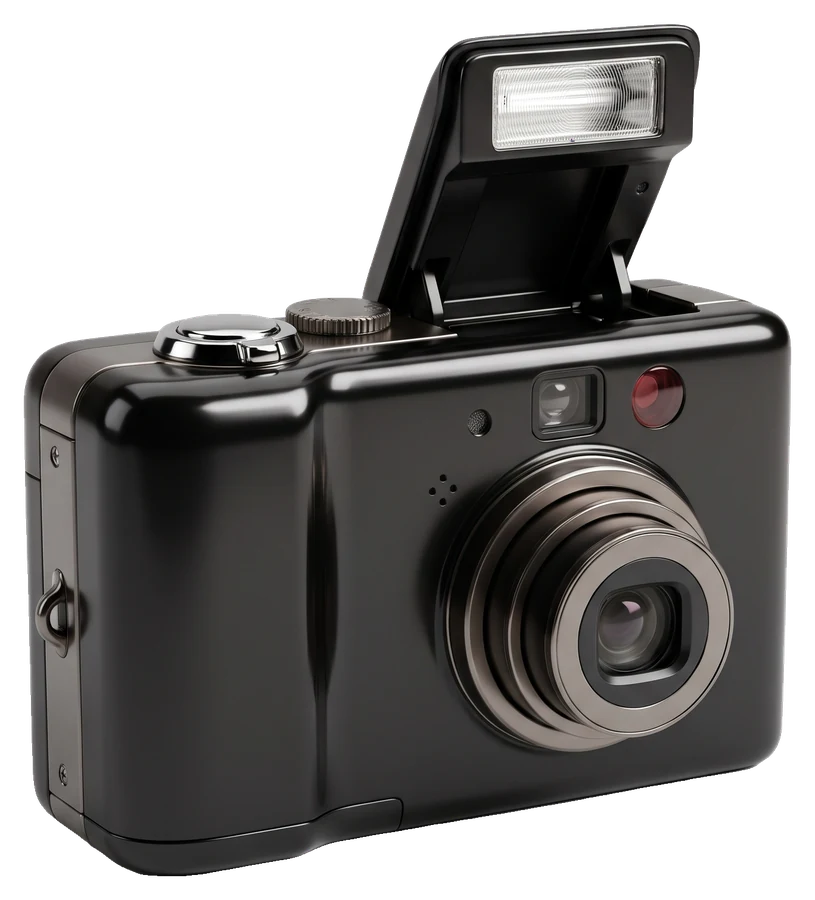
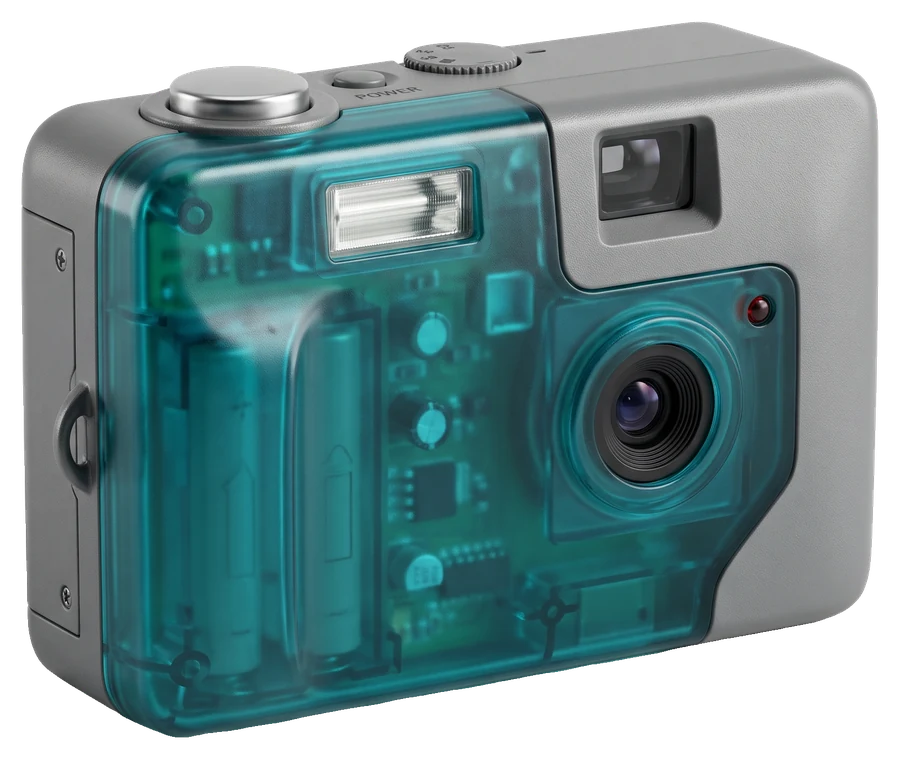
OldCam turns your phone into a 2000s digicam or an instant camera. Pick a camera, pick a look, and see it live in the viewfinder before you shoot: CCD-style color, blown highlights, grain and the amber date stamp in the corner.
Why OldCam
The look runs live in the viewfinder as you move, so the photo you take is the photo you saw. 11 looks, any look on any camera.
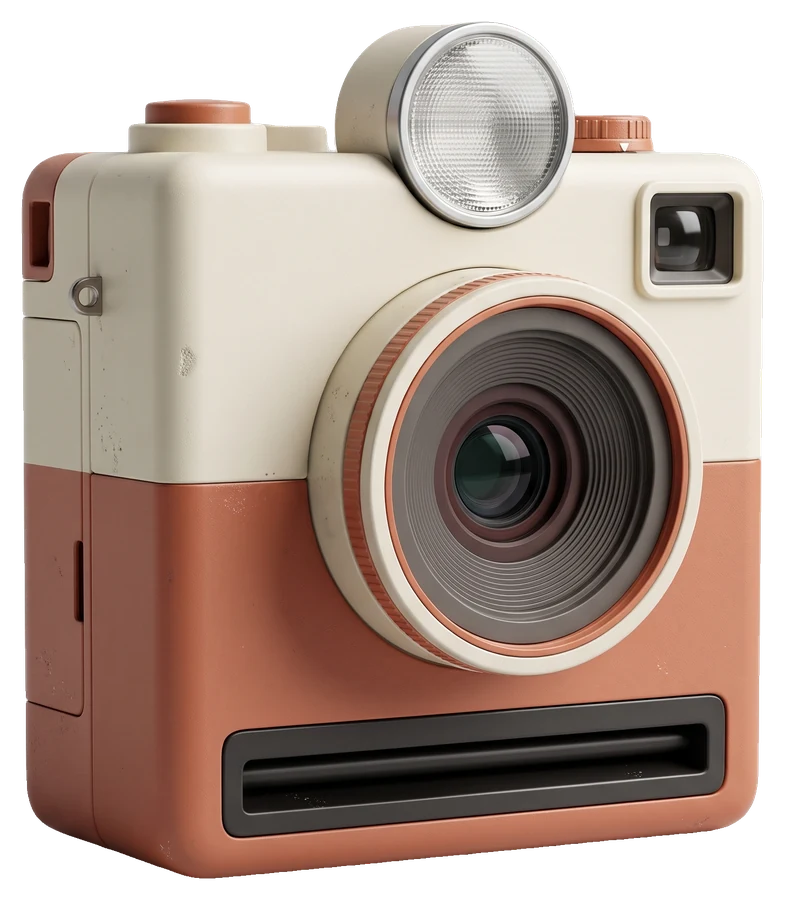
4 instant cameras frame the shot as the print, then it develops on screen and is saved with its border.
Highlights that clip like an old JPEG, color fringes, blotchy shadow noise, sharpening halos and the burned-in '07 09 30 date stamp.
Record VGA movies with sound in the same look, like a 2005 digicam's movie mode. A one-time $7.99 unlock.
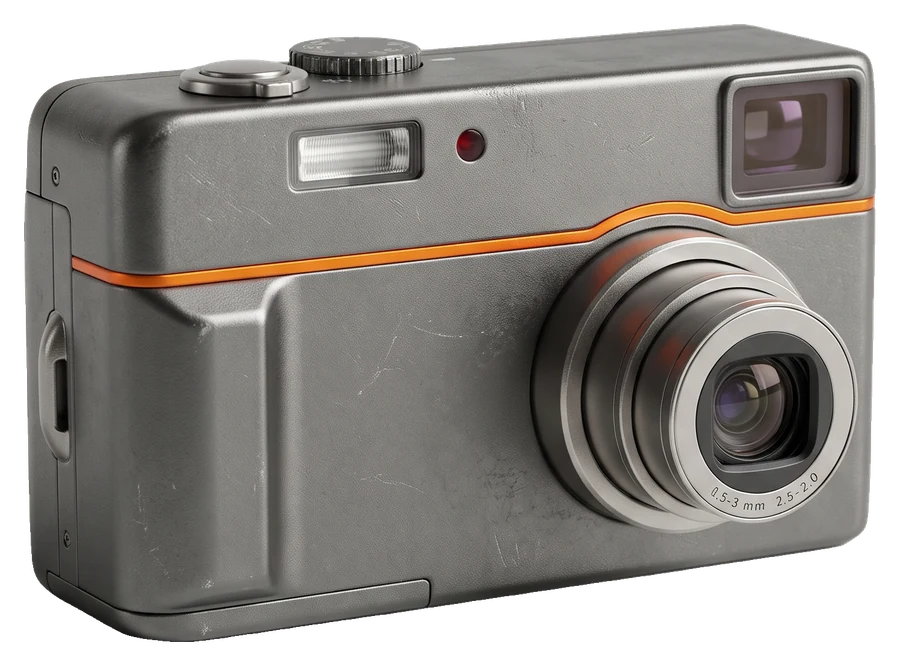
The cameras
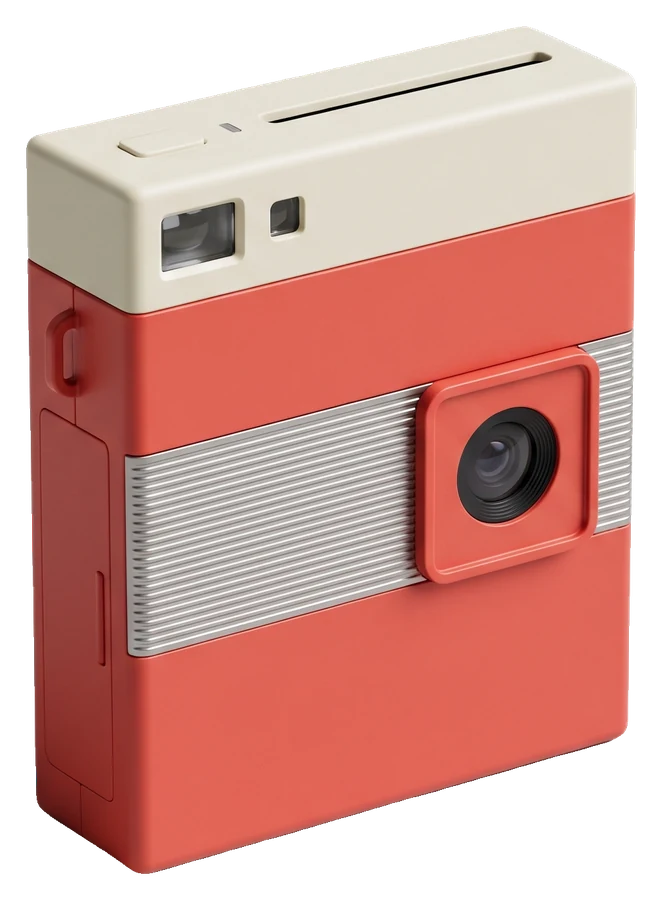
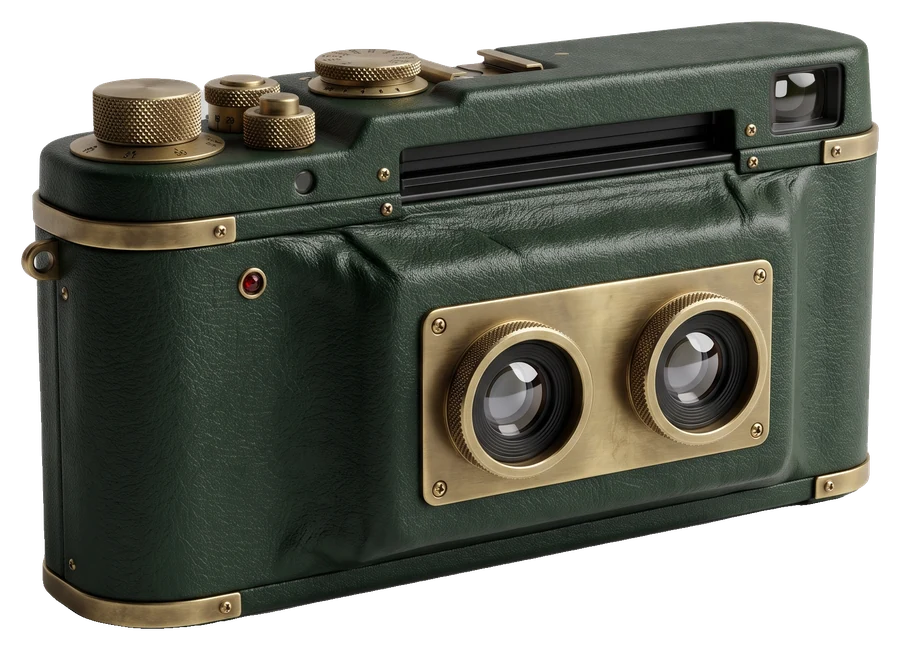
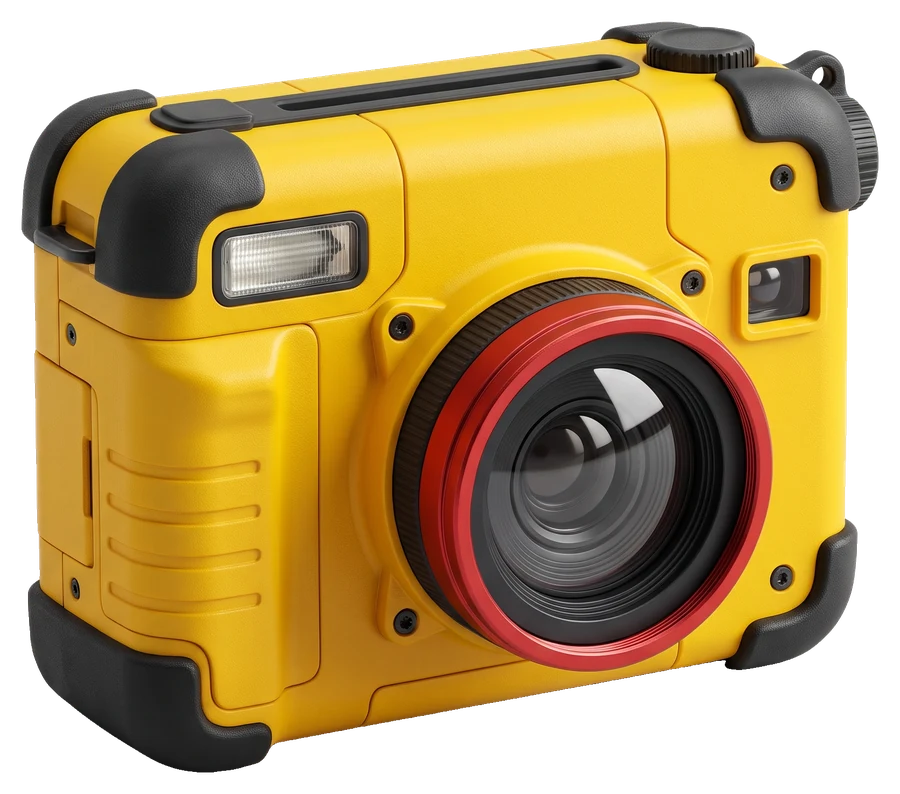
The looks
How it works
Turn the CAMERAS dial, swipe through the shelf and choose a look. The viewfinder shows it live.
Press the shutter, switch lenses from 0.5× to tele, or record a movie. Photos are saved to your camera roll.
Tap Share to post on Instagram with a ready-made caption and #shotonoldcam.
OldCam Pro
$9.99 a year with a 14-day free trial, or $3.99 a month. Cancel anytime. Try any camera live before you decide.
What Pro includesQuestions
OldCam is a camera app for iPhone and Android that makes your photos look like they came from a 2000s digital camera or an instant camera: CCD-style color, grain, blown highlights, a slight vignette and an amber date stamp. Pick one of 8 cameras and 11 looks, and you see the look live in the viewfinder before you shoot.
Yes. OldCam is free to download and The Original camera is free to use with every setting. You can try every other camera and look live in the viewfinder; OldCam Pro lets you shoot with them for $9.99 a year (with a 14-day free trial) or $3.99 a month. Free photos carry a small OldCam mark.
Not yet. OldCam processes photos as you take them with its camera. Applying the look to photos from your library is planned.
Every photo is saved to your iPhone's camera roll and to an album called OldCam. You can also review them in the app's own gallery.
Free on the App Store and Google Play. Tag @oldcam.vintage when you post.