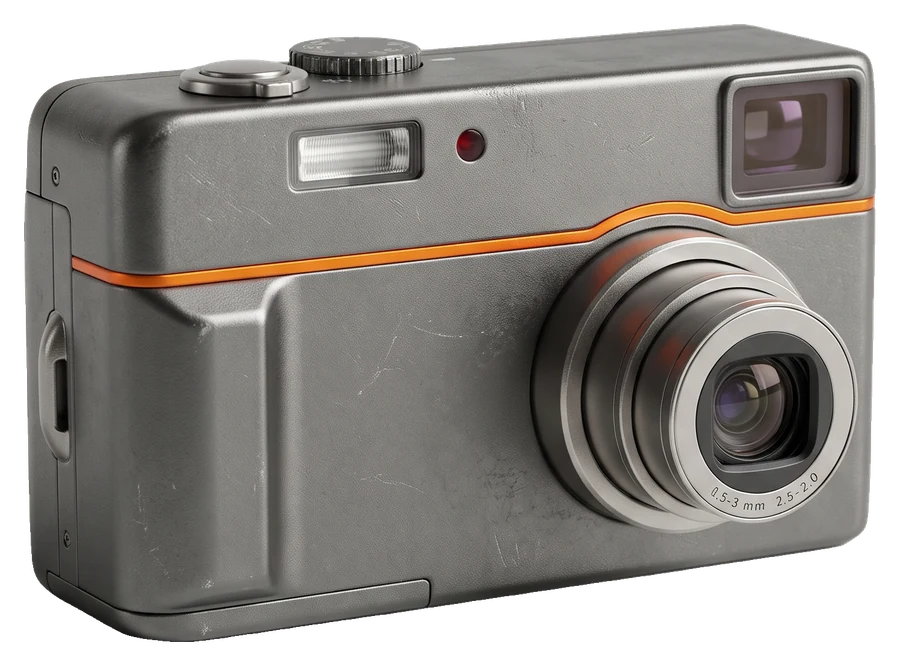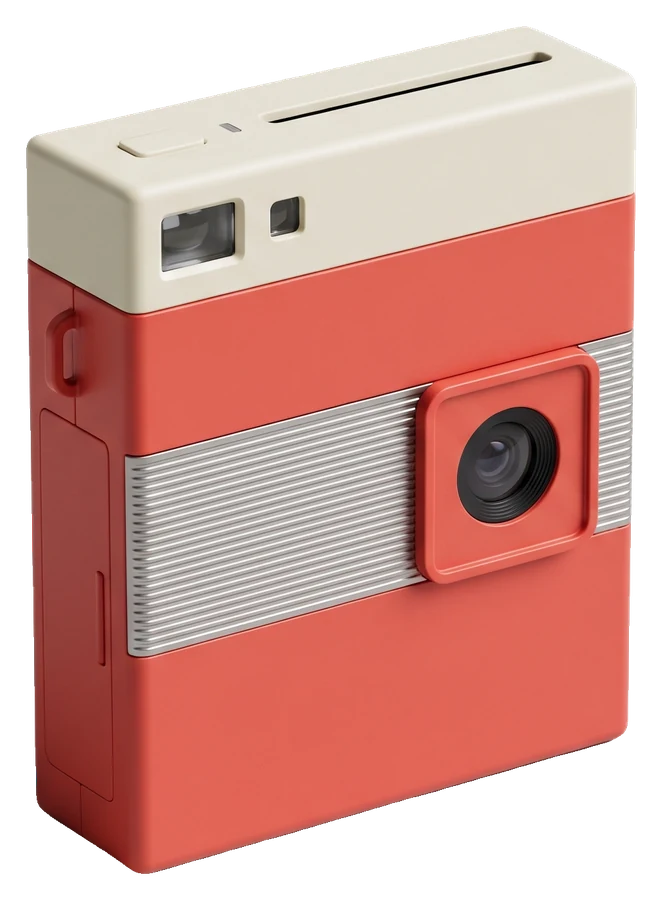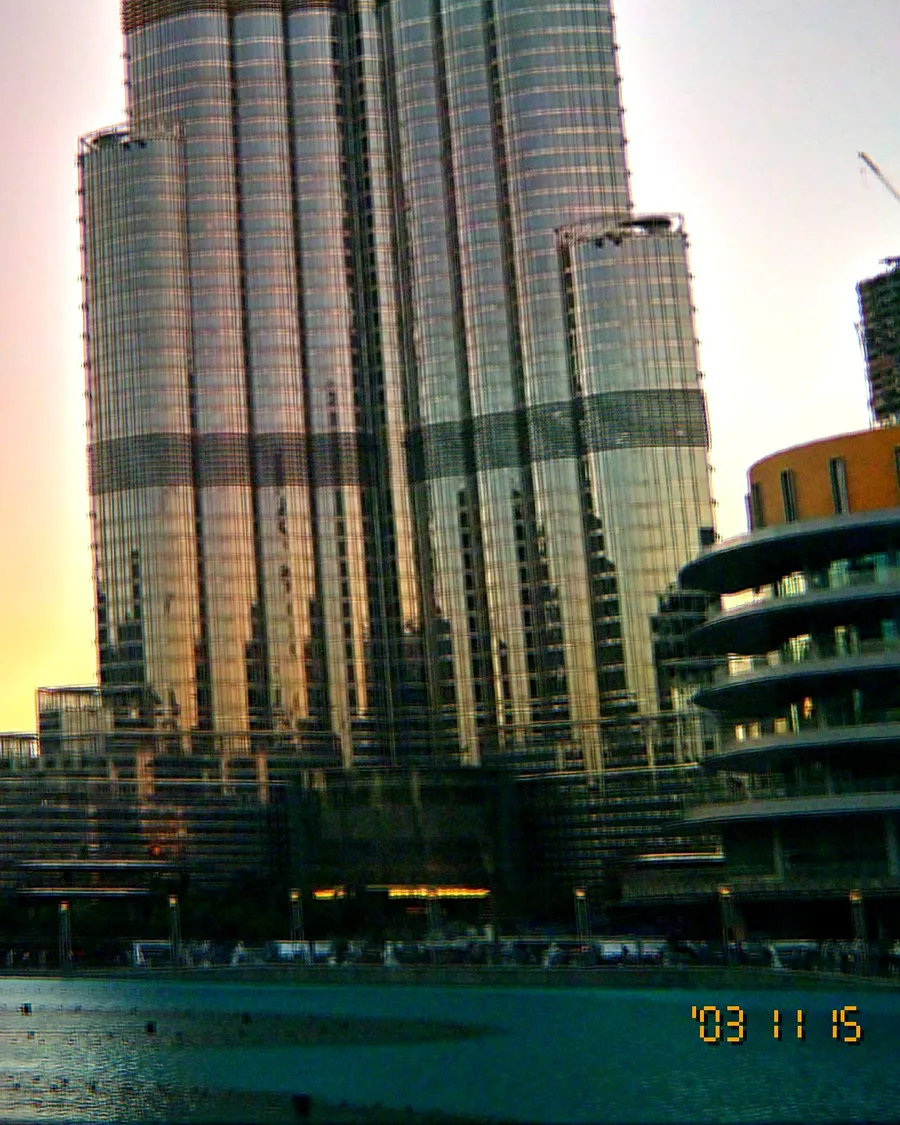

The mid-2000s party photo is instantly recognisable: faces lit like a crime scene, red cups, a black background and someone half out of frame. It looks careless, but it follows a few simple rules. Here they are.
1. Use the flash on purpose
Your phone's default is to avoid flash and brighten the whole room with night mode. Turn the flash on, not auto. Direct, on-camera flash is the whole look: it freezes people, flattens skin into bright highlights and lets everything behind them fall into darkness.
2. Stand at arm's length to about two metres
A phone uses an LED flash, which is weaker than the xenon flash in old compacts. Get close: from arm's length to about two metres. Further away, faces go dim and the effect disappears. Selfies at arm's length are perfect.
3. Let the background go black
Do not fight it. A dark club, a back garden at night or a dim kitchen works best because the flash only lights the people in front. Fairy lights and neon behind your friends will glow and smear a little, which is great.
4. Shoot fast, keep the imperfect ones
Take the photo before people pose. Blinks, motion blur and a tilted horizon are part of the era. Resist taking 15 versions and picking the perfect one.
5. Hold steady for a beat
In low light, keep the phone still for a moment after you press. The flash freezes faces while the background lights streak slightly: the classic party smear.
6. Pick a look built for nights
In OldCam, tap FLASH to switch it on and use the Night Out look: cool, punchy contrast and a hard, bright flash look with stronger grain. For warmer skin at dinners and birthdays, try Warm Portrait. If you would rather keep the room's ambience without flash, Night Owl is the cleanest low-light look.

Quick checklist
- Flash forced on, not auto.
- One to two metres away, or closer.
- Dark background, people in front.
- Shoot before the pose.
- Date stamp on (tap DATE in OldCam).
Post them as a dump the next morning. Tag #shotonoldcam and we may feature you.