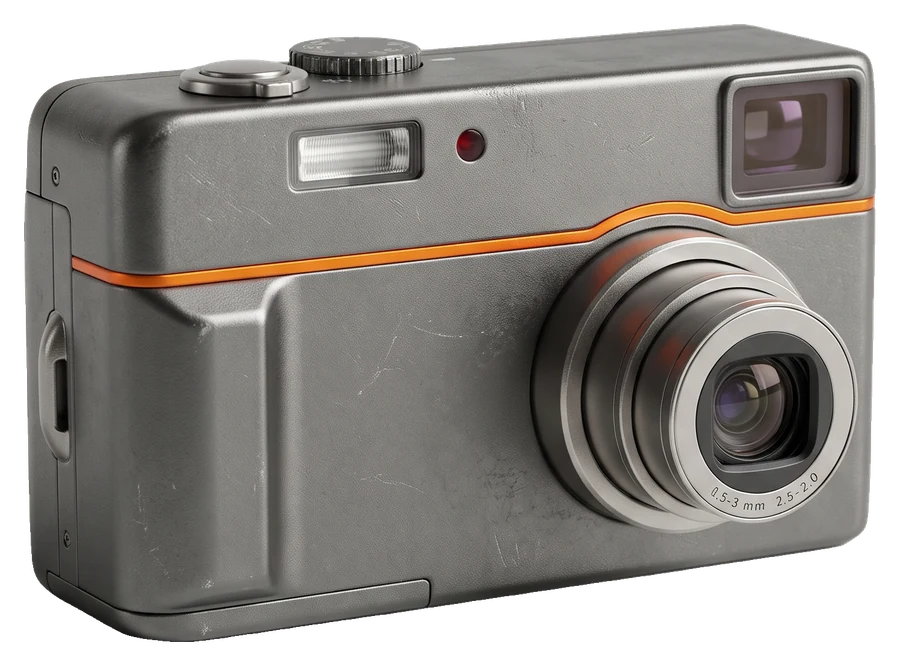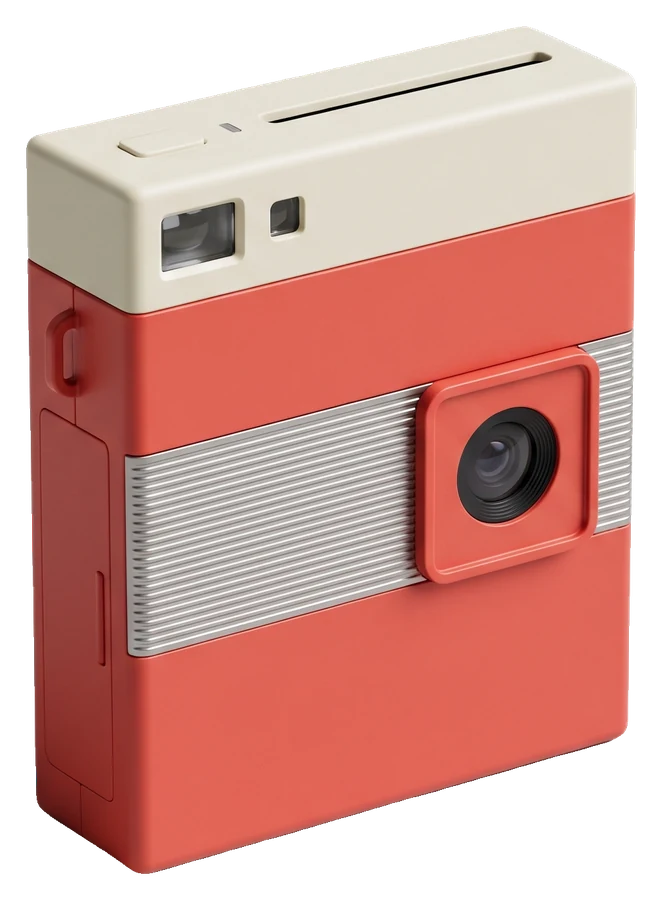
"Retro camera app" covers very different things: a fake disposable with a three-day wait, a film simulator with dozens of presets, a 2000s digicam, an instant camera. The best one depends on the look you want and how you like to shoot. Here is how to choose.
The four kinds of retro camera app
Disposable and film-roll apps
These imitate a disposable or a film camera: a small viewfinder, a limited roll and often a wait before you see the photos. Huji Cam made the light-leak-and-date-stamp look famous, and Gudak Cam is known for its 24-shot rolls and a wait of about three days before photos "develop". Great if you love surprise; frustrating if you want to post tonight.
Camera-collection apps
Apps such as Dazz Cam and NOMO CAM offer a large collection of film, digital and instant camera styles, and some let you apply styles to existing photos. Great for variety.
Digicam apps
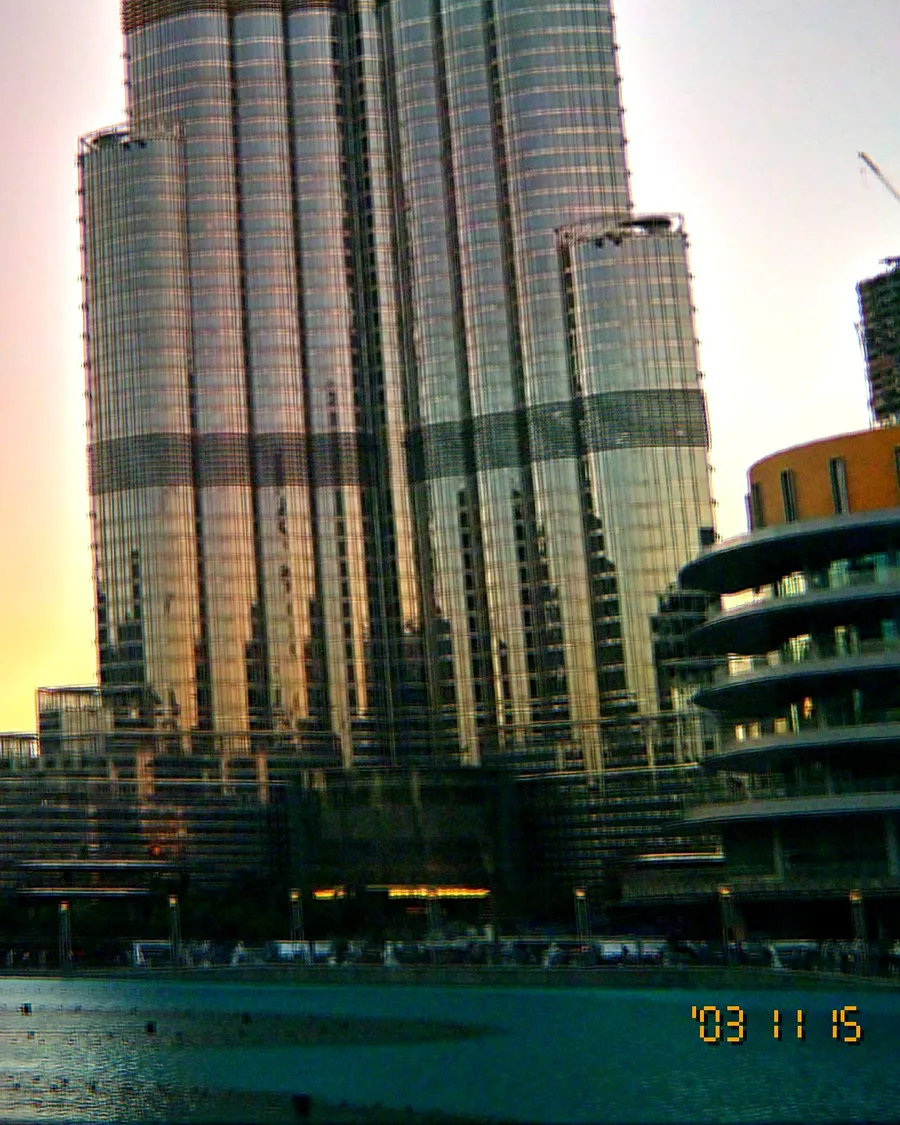
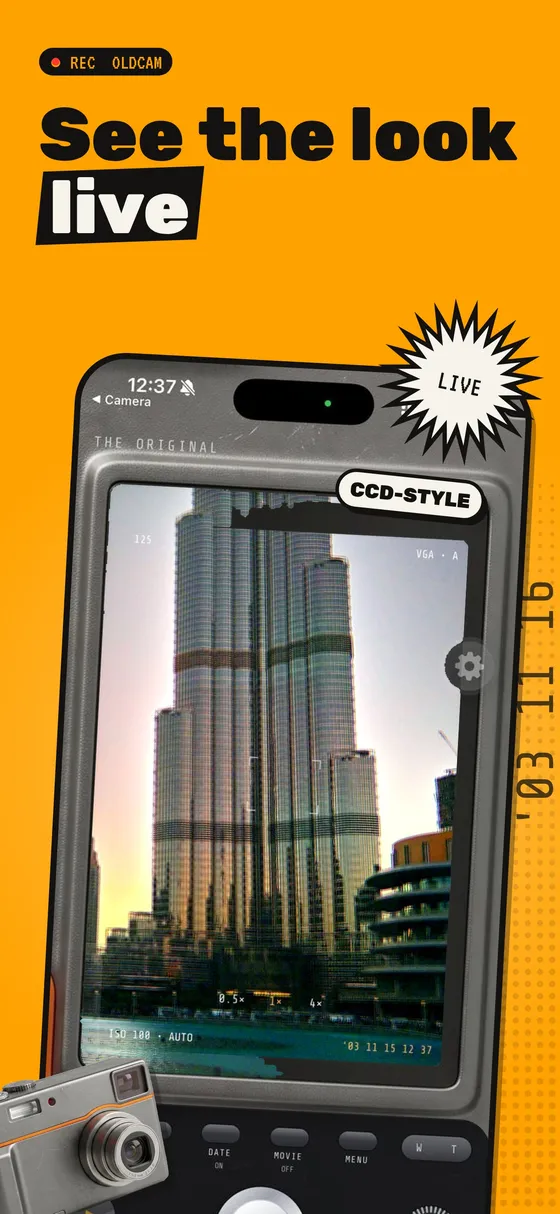
These focus on the 2000s compact digital camera: CCD colour, clipped highlights, noise, direct flash and the amber date stamp. This is the look behind the current digicam trend.
Instant camera apps
They frame the shot as a print with a white border and often animate the development.
Questions to ask before you choose
- Do you see the look before you shoot? A live preview changes how you frame and use the flash.
- Do you want to wait for photos? Some apps lock photos for hours or days by design.
- Is video included? Retro video is a different feature in many apps.
- Do you need to edit old photos? Some apps import from your library; others only shoot.
- How does it handle privacy? Check whether you need an account and whether photos are uploaded.
- What does it cost? Check the store page for current pricing and what is free.
Where OldCam fits
OldCam is a digicam and instant camera app for iPhone and Android, built around shooting live rather than editing later:
- 8 cameras: 4 digicams whose realistic back becomes your viewfinder and 4 instant cameras that develop prints on screen.
- 11 looks that work on any camera, shown live in the viewfinder.
- Camcorder mode: VGA video with sound in the same look (a one-time purchase).
- On-device: no account, no uploads, no ads.
- Free: The Original camera and look are free forever; OldCam Pro unlocks everything, with a 14-day free trial on the yearly plan.
What it does not do yet: apply looks to photos already in your library. If that is what you need, a camera-collection app with import is the better fit today.
Our advice
Install two: one that matches the look you are chasing and one with a different approach. Shoot the same evening on both and keep the one whose photos you actually post.