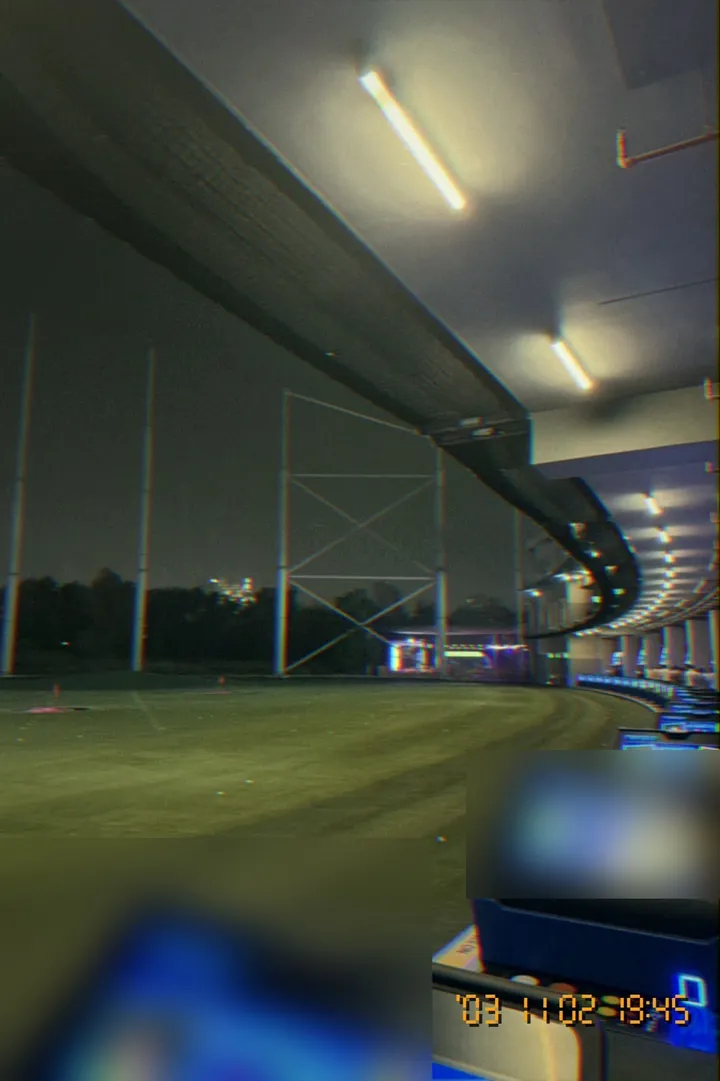
Before phones shot 4K, compact cameras had a "movie mode": small, soft clips with tinny sound, recorded at a party and forgotten on a memory card. Those clips are now one of the most-loved looks on short-video apps. This is not the VHS tape look of the 1980s; it is the early digital look of the mid-2000s.
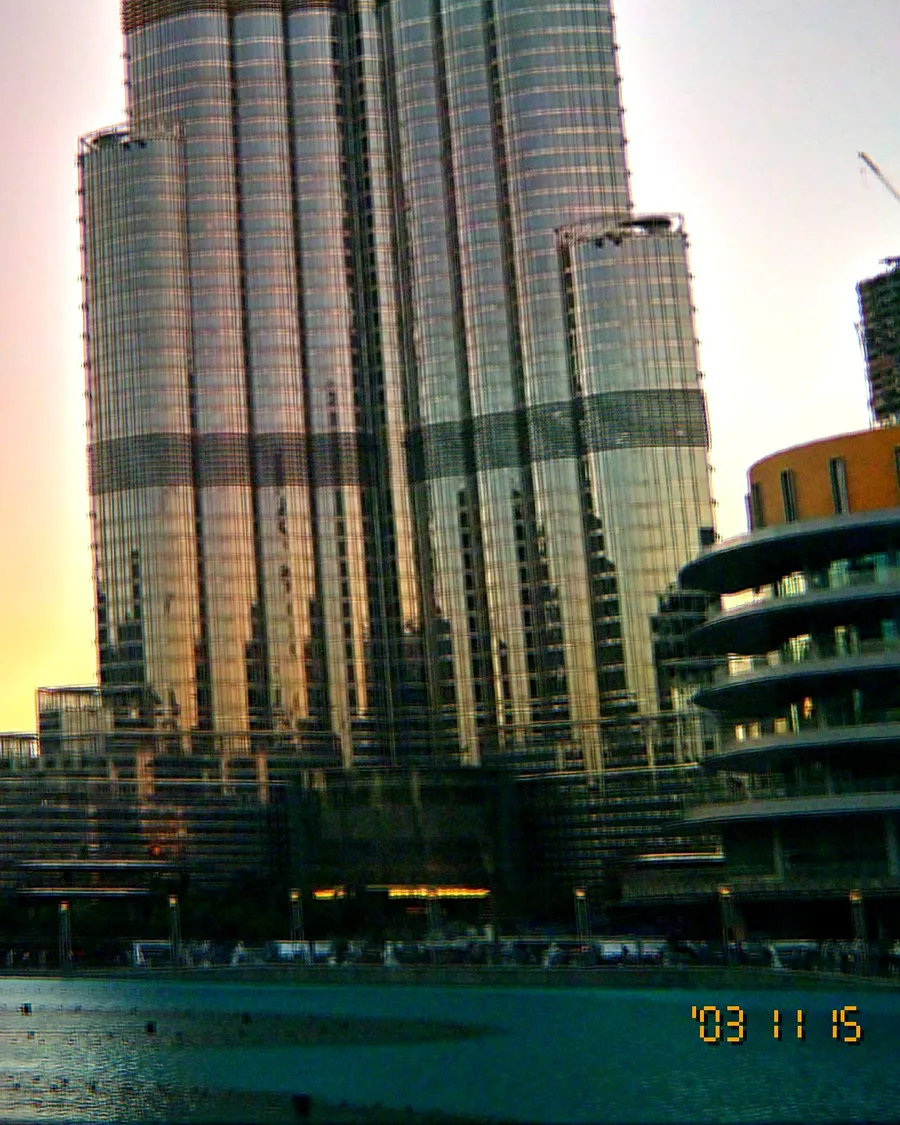
What 2005 digicam video looked like
- VGA size: 640 × 480, in a 4:3 frame. Cheaper cameras went even smaller.
- Soft detail and compression that smeared fast motion.
- Clipped highlights on lamps and windows, and grainy, colourful noise in the dark.
- Simple sound from a tiny built-in microphone.
- Short clips: memory cards were small, so nobody filmed for long.
How to shoot it
- Film short: 5 to 20 seconds per moment, like you are saving space.
- Do not stabilise everything: handheld movement is part of the charm.
- Use the zoom: slow zoom-ins on a laughing friend are peak 2005.
- Leave the audio on: real room noise beats music for the first seconds.
- Keep 4:3 when you post, with black bars if needed.
Camcorder mode in OldCam
OldCam's Camcorder mode records 640 × 480 VGA video with sound, in whichever of the 11 looks you are using, so your clips match your photos. Clips run up to two minutes. Camcorder mode is a one-time purchase, separate from OldCam Pro.
Shoot a night out in the Night Out look, then mix the clips with your flash photos in one Reel. See our flash party photo guide for the stills.