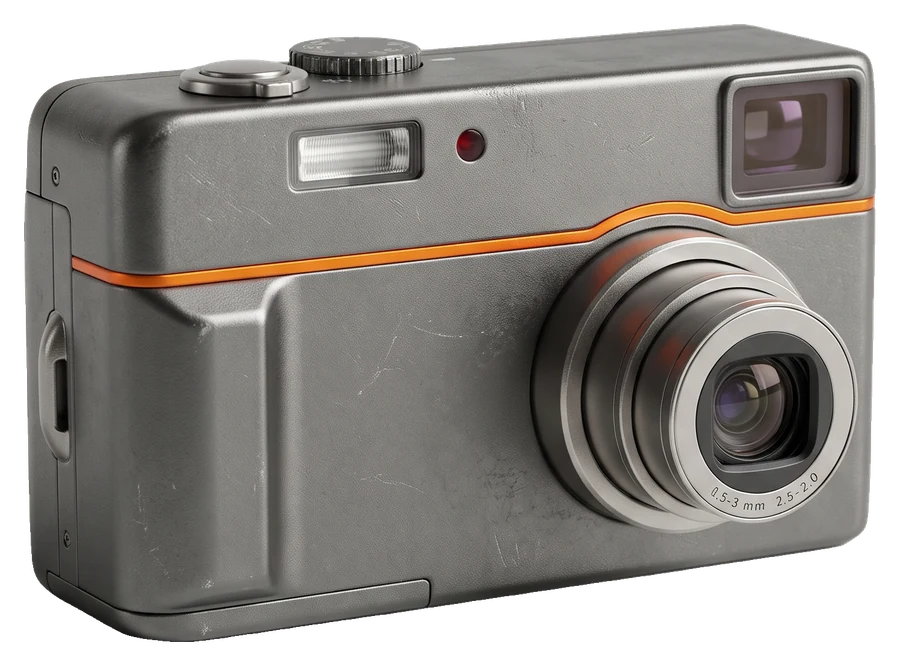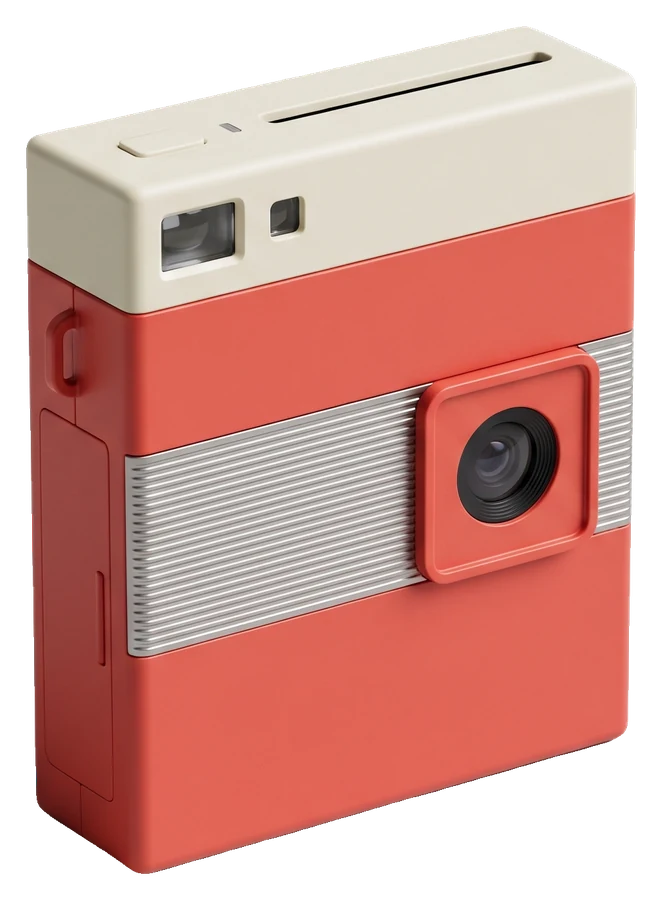
Around the turn of the millennium, a whole line of digital cameras skipped memory cards and saved photos to the same 3.5-inch floppy disks people used for school homework. Sony's Digital Mavica cameras were the best known. Their photos were tiny, crunchy and oddly beautiful, and they are having a moment again.
Why the photos look the way they do
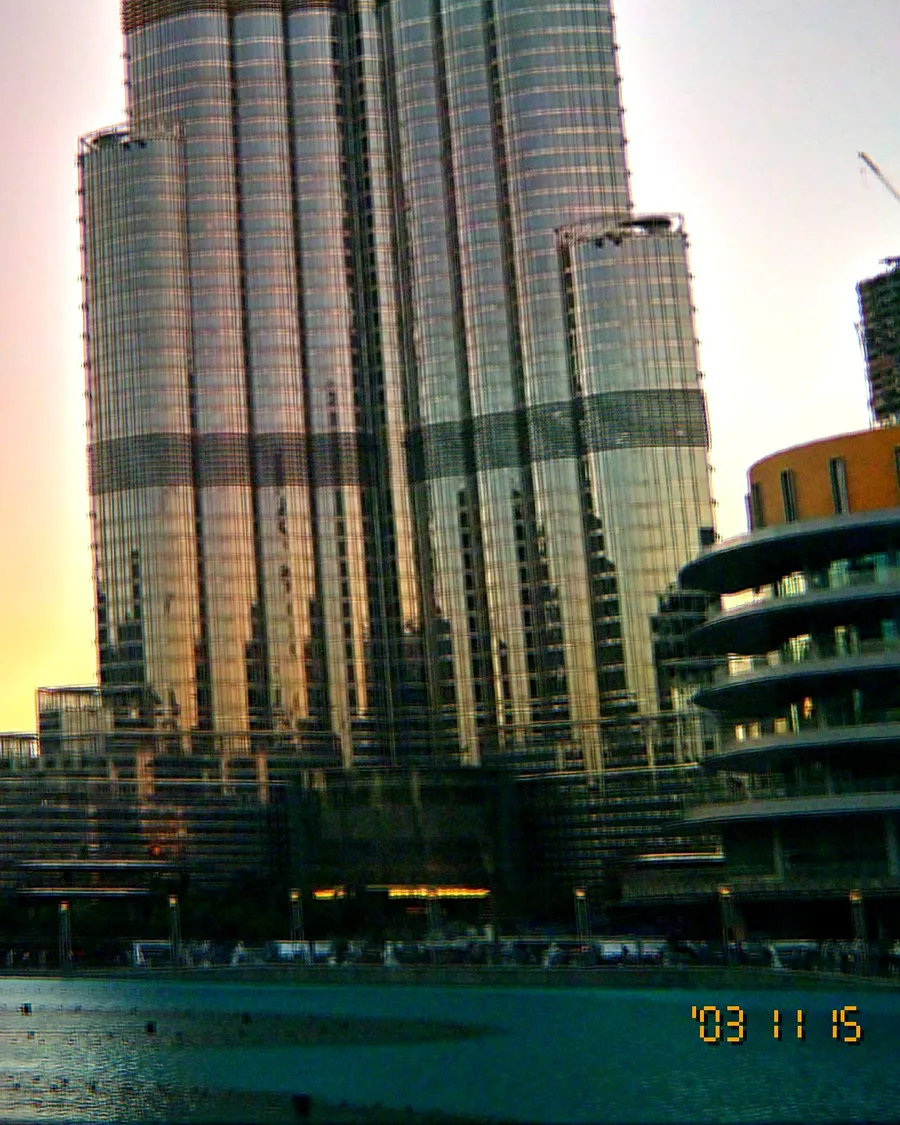
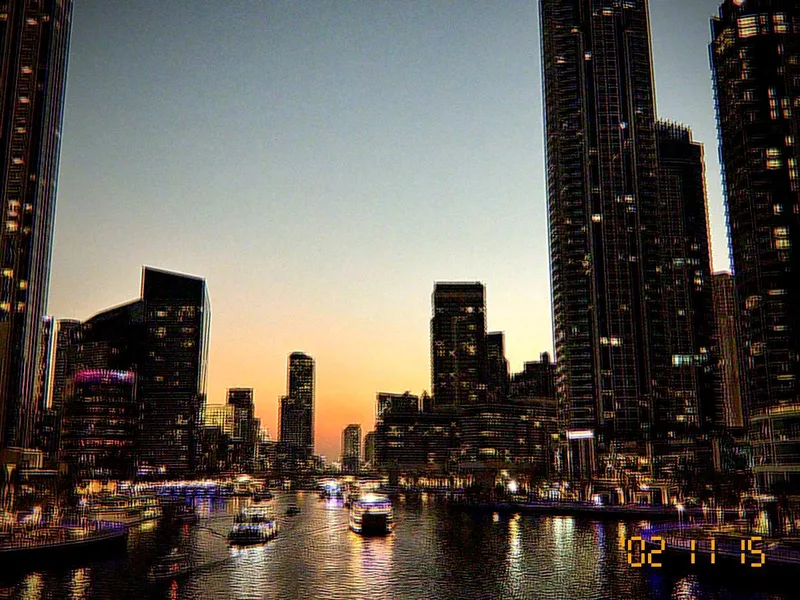
A floppy disk holds 1.44 MB. To fit a useful number of photos on one, cameras saved small JPEGs, typically 640 × 480 pixels, with strong compression. That produces:
- Soft, low detail that looks dreamy at phone size.
- Blocky JPEG artefacts in skies and shadows.
- Muted, slightly flat colour.
- File names like MVC-001F.JPG.
Why people want low-res again
Phone photos are so sharp that they all start to look the same. A 640 × 480 image feels like a memory: you see the moment, not every pore. It also looks perfect in a photo dump next to sharper shots, as a texture change.
Shooting tips for the look
- Simple subjects: one person, a pet, a plate of food. Fine detail disappears.
- Strong light and colour: sunsets, neon and flash survive compression best.
- Get close: small files reward bold framing.
- Do not upscale it: post it as it is; the softness is the point.
The Floppy Disk look in OldCam
OldCam's Floppy Disk look recreates this era: photos saved at 640 × 480 with heavy JPEG compression, muted colour, the heaviest grain in the app and MVC-001F.JPG-style file names. Like every look, it runs live in the viewfinder and works on any of the 8 cameras. It is part of OldCam Pro, and you can try it live before you decide.
Want to go further back in mood? Pair it with the Lo-Fi look for cold, washed-out colour, or read what makes the CCD look.