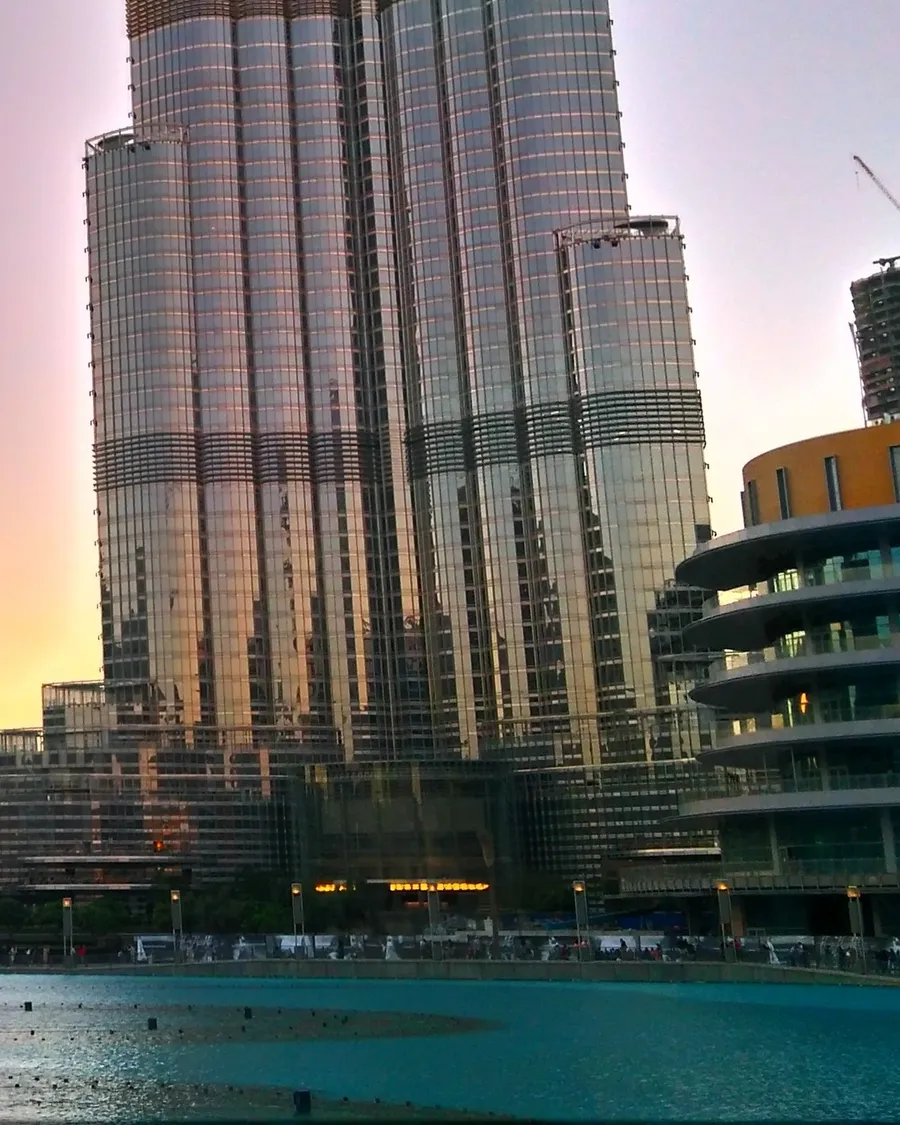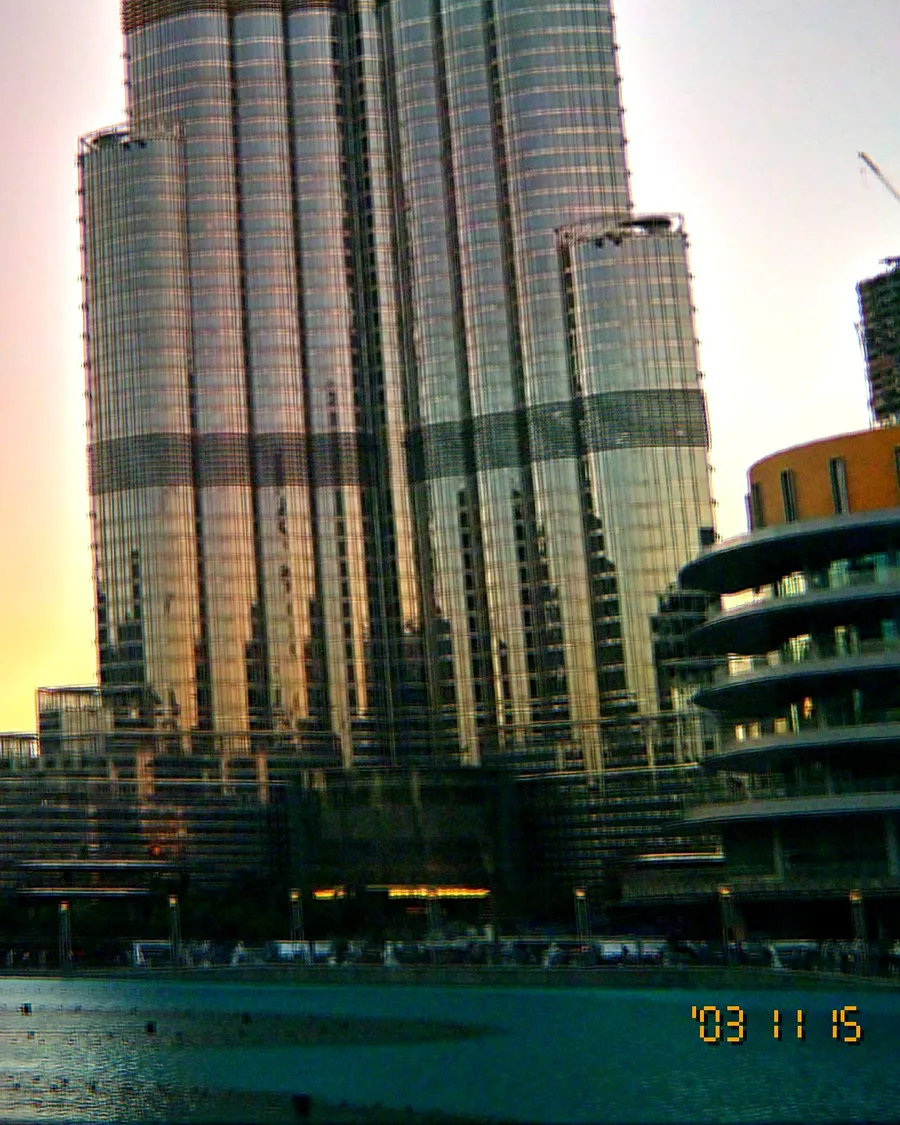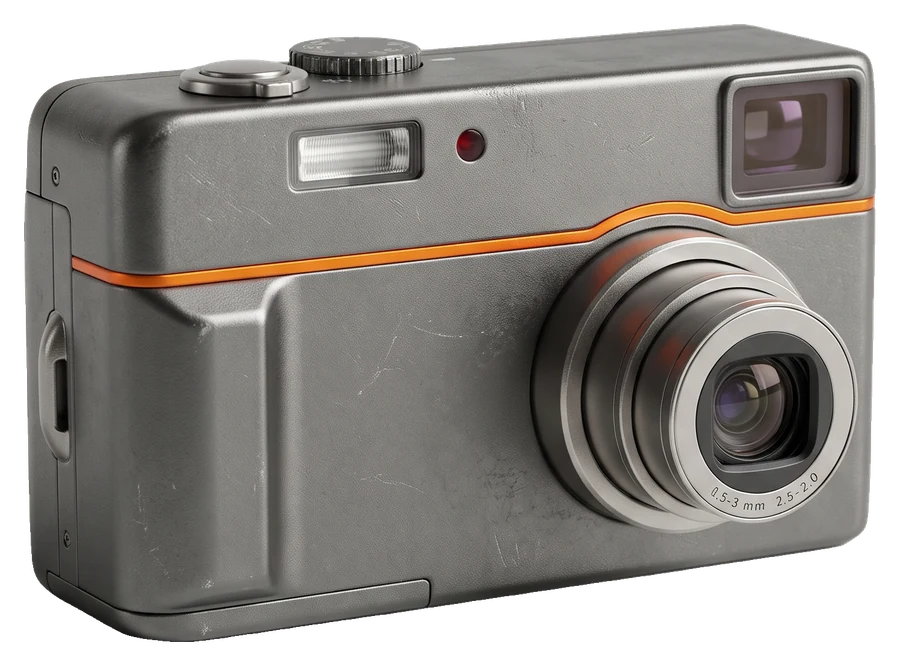

"CCD camera" has become shorthand for the 2000s digicam look. The name comes from the sensor, but the look comes from the whole camera. Here is what is going on, one ingredient at a time.
What CCD means
CCD stands for charge-coupled device, the type of image sensor used in most compact digital cameras from the late 1990s to the late 2000s. Phones and nearly all modern cameras use CMOS sensors instead, which use less power and read out faster, ideal for video and the multi-frame processing phones rely on.
People often credit CCD sensors with "better colour". Part of that is real, and a lot of it comes from how those cameras processed their JPEGs. Either way, the recognisable look is a mix of the following.
The ingredients
1. Clipped highlights
Tiny sensors had little dynamic range. Skies, lamps and windows burned to flat white, often with a soft glow. Modern phones work hard to prevent exactly this.
2. Colour fringing
Purple or cyan outlines around bright edges, from small lenses and overloaded sensor areas.
3. Chroma noise
In dim light, shadows filled with blotchy coloured speckles. It looks very different from film grain.
4. Strong sharpening and JPEG compression
Cameras sharpened aggressively and compressed files to fit small memory cards, adding crunchy edges and blocky detail.
5. Direct flash
A small xenon flash next to the lens: bright faces, hard shadows, black backgrounds.
6. The date stamp
The amber date in the corner. See how the date stamp works.
7. Smaller files
Early cameras saved 2 to 5 megapixel files, and the earliest even 640 × 480 (read about floppy disk cameras).
How OldCam recreates it
Your phone has a CMOS sensor, so OldCam rebuilds these ingredients in software, live in the viewfinder: highlight clipping, fringing, chroma noise, sharpening, vignette, period JPEG compression and the burned-in date stamp. Each of the 11 looks uses its own recipe, from the warm Golden Hour to the 640 × 480 Floppy Disk.